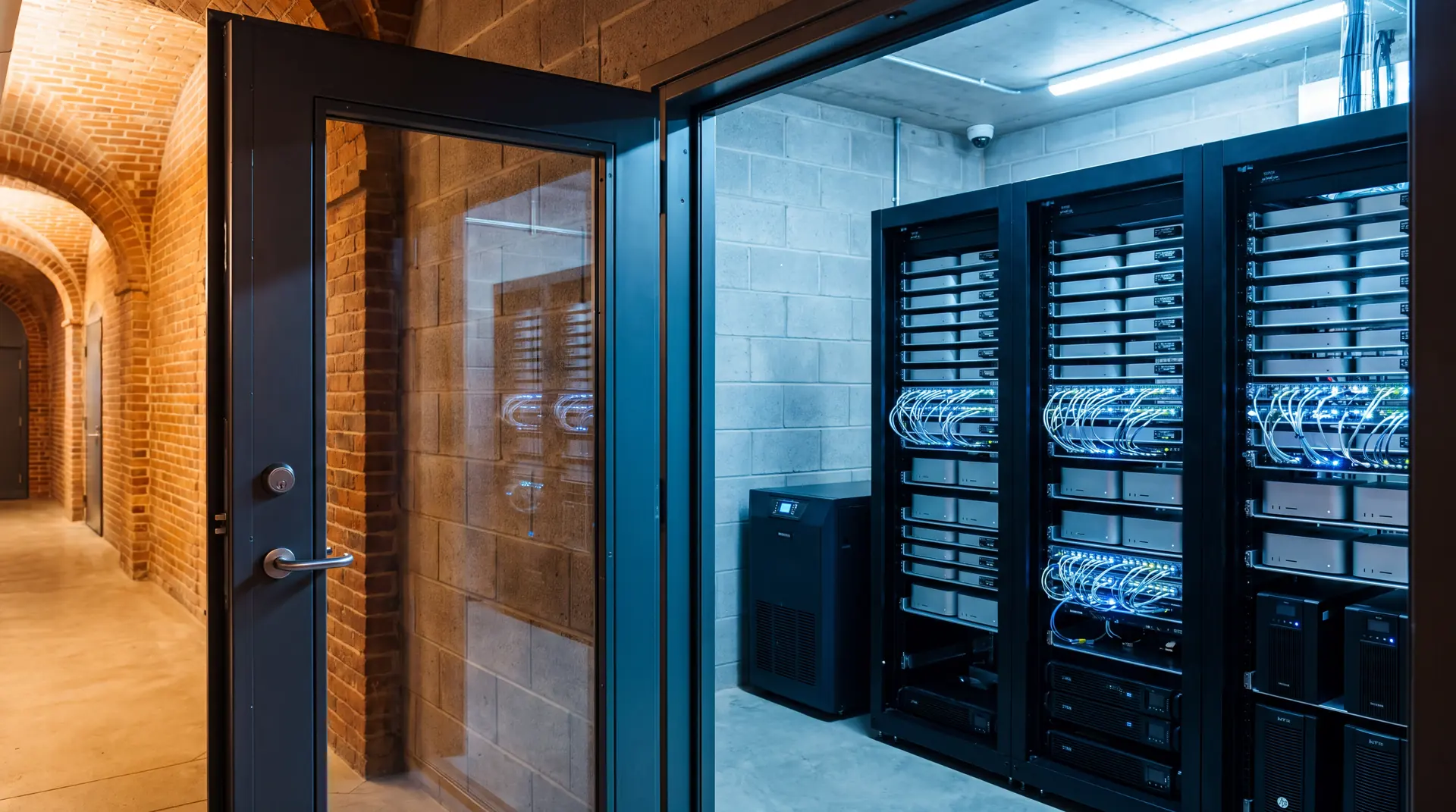
your ai.
your hardware.
nobody turns it off.
Dedicated hardware you own, running local models, cloud APIs, or both. Private work stays on your machines. Everything else goes to whichever model fits the job. When better models ship, we swap them in. You never touch a terminal.
you decide what leaves the building.
The default is local. When a job genuinely needs a frontier model it goes out because you chose that, for that job, and the boundary is written into the configuration rather than left to habit. Run everything on your own machines if that is what your obligations require. It costs more in hardware, and we will tell you what it costs before you buy anything.
Local by default
Work stays on the machine in your building unless you decide otherwise, job by job.
Owned outright
You bought the hardware. Nobody can deprecate it out from under you.
A fixed cost
You pay for the machine and the setup once. Work that runs locally costs nothing per token. For heavy usage, see the cost comparison.
No rate limits
Local work is never throttled at the moment you need it most.
Always on
It runs when your internet does not, and when a provider has an outage.
Yours to shape
Models, agents, and skills change as the work changes. That is the ongoing part.
cloud ai has a privacy problem.
Everything leaves by default
Client names, case files, financials, patient records, all sent out because that is simply how the tool works. Nobody asks which of them should have. For some firms that is not a decision you are allowed to leave to a default.
The meter never stops
Cloud AI is billed per seat or per token, and the bill rises as you lean on it. A machine you own is a fixed cost.
Limits at the worst moment
Rate caps at 11 PM. A model deprecated without notice. Someone else decides when your AI is available.
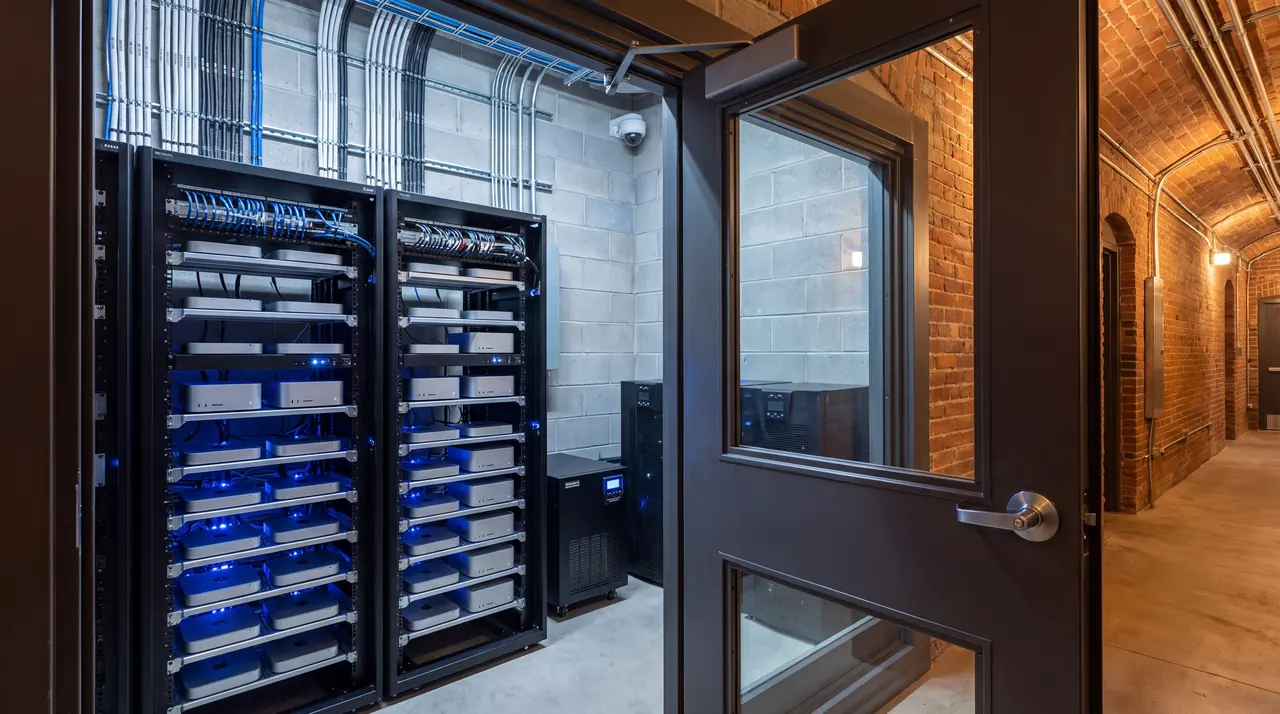
we handle everything. you just talk to it.
We build it
Your hardware, configured in person. Set up at our bench and shipped ready to plug in, or installed on site at your office.
We configure
Your model, your agent, and the agent framework, set up around how you work, so you can just talk to your AI.
You are live
Installed, tested, and handed off in one on-site day once the hardware arrives. Your AI is yours from the first login.
four decisions set the price.
Two builds with the same number of machines can differ by a wide margin. These are the choices that move it. The assessment settles all four before anyone quotes a number, and none of them are decisions you have to arrive already knowing.
Where the work runs
Local only, cloud only, or a deliberate split with the line drawn per job. Local heavy needs more unified memory, which means larger machines. Cloud heavy is cheaper to stand up and carries a running cost instead. Most builds end up somewhere in between, and that mix is a decision, not a default.
What actually runs the agents
An established open source runtime configured around your work, OpenClaw or Hermes Agent depending on what the agent has to reach and how much it should improve on its own. Or agents built from scratch for processes that nothing off the shelf covers. Either way each deployment gets its own isolated instance and its own credentials, because neither runtime is a multi tenant boundary and both say so in their own documentation.
How many machines
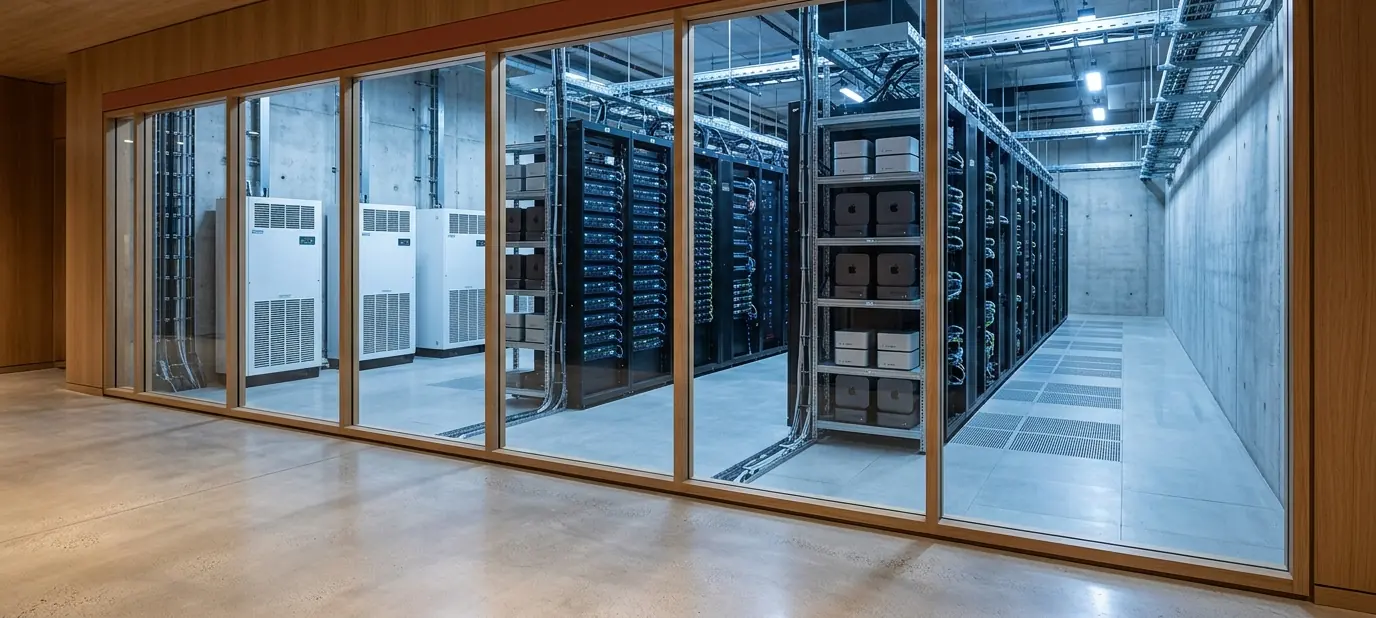
One on a desk, a small cluster on a shelf, or a room of its own. More machines means model placement, request routing, monitoring, and a recovery plan, which is work that does not exist on a single box. This is the axis the price table below is organized around.
How much building comes after
A system that stays exactly as delivered costs less than one that gains new skills every month as you find more for it to do. Most of the value turns up in the second category, which is why the ongoing options exist rather than a single support line.
Hardware follows from these, not the other way around. A local heavy build needs more unified memory. Apple’s lead times vary by configuration. We confirm current ship dates on your free call, before anything is ordered.
priced by what you are building.
Two things get priced: how large the deployment is, and how much of it is built for you specifically. Setup, cluster, and room prices cover design, configuration, and installation. Hardware is quoted separately at cost, so you own every machine outright.
Assessment
Waived with any setup
Scheduled after your free intro call.
- 45 minute assessment
- Hardware recommendation
- Framework guidance
Single setup
One Mac, one team
- Full stack: Ollama, framework, WebUI, Tailscale
- Curated models for your hardware
- Security hardened
- 30 minute handoff call
Cluster
A working set for a department
- Everything in the single setup
- Model placement across devices
- Request routing and shared access
- Monitoring, backup, and a recovery plan
Room build
A room of its own
- Everything in the cluster
- Power, thermal, and network planning
- Racking and physical installation
- Redundancy and failover
Hardware is separate and never marked up. You buy the machines at Apple retail, or we buy them on your behalf at cost. The figures above are for the work: architecture, configuration, installation, and handoff.
the setup is the beginning.
What makes one of these worth owning is the work that comes after: figuring out which skills to build and how the agents should be configured, month after month, as the business changes. That applies whether the machine sits in your office or stays on our racks.
Keep it healthy
Updates, model refreshes, security patches, monitoring, and backup checks. No new capability, just a system that keeps working.
Steady improvement
Everything in Care, plus a set amount of agent and skill work every month. New skills, configuration changes, and whatever the quarter turns out to need.
Push when you want to
A block of time drawn down when you are building hard and paused when you are not. For teams who want to move fast in bursts rather than at a steady rate. Each block is $2,500, drawn down as you use it, and good for twelve months.
then there is what runs on it.
Everything above is the deployment: machines, models, networking, and a system that works on day one. Some businesses need something narrower on top of that, which is agents built around their own processes rather than a general assistant. That is priced per engagement, because a single machine running one custom agent and a six machine cluster running a general setup are different jobs at similar cost.
See how a custom build works, or bring it up in the assessment and we will scope both together.
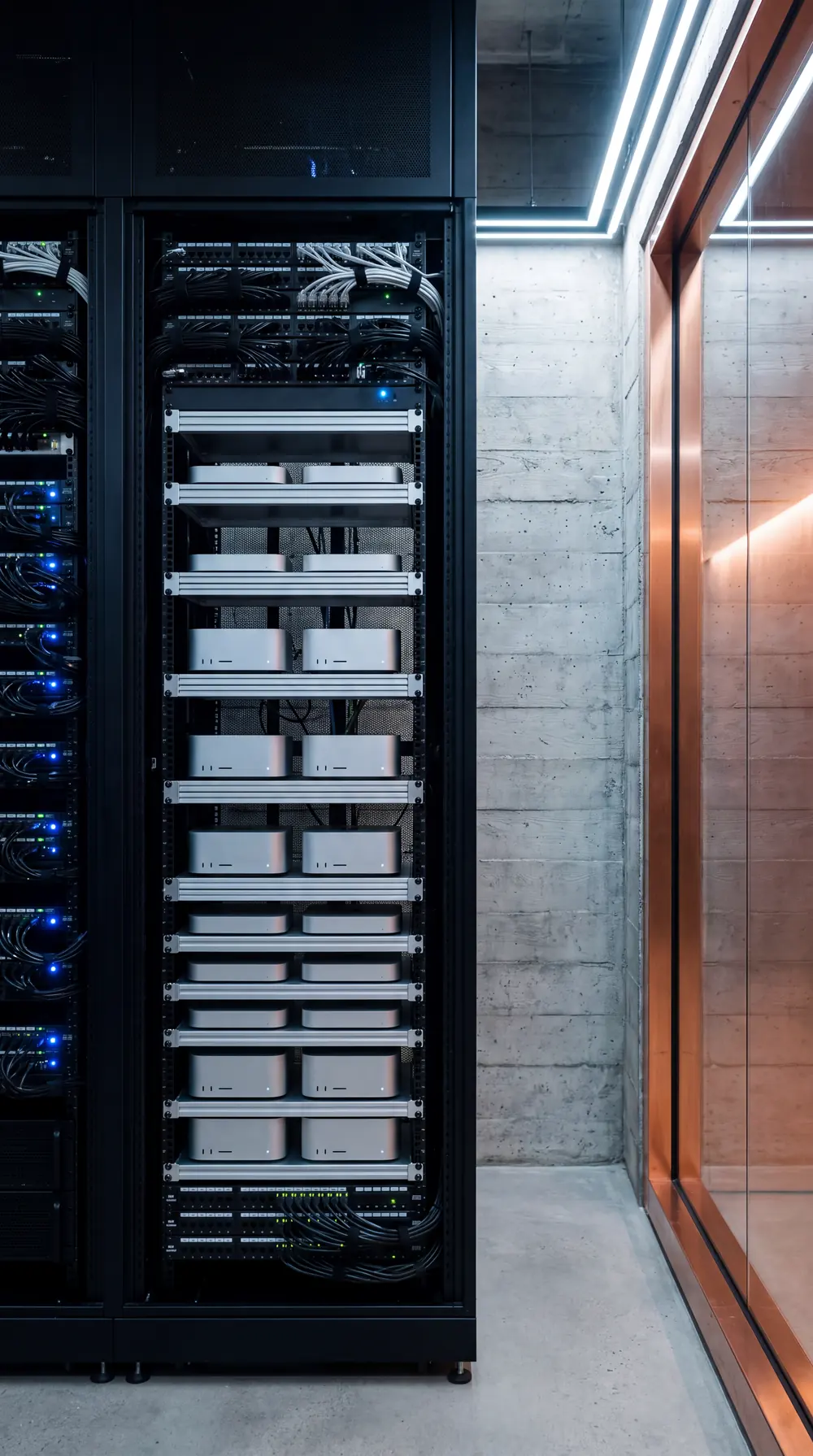
agents in residence.
A standard setup gives you a capable local AI on day one. Some businesses need something narrower: agents that do a specific job inside their operation. Those are built on our hardware first, where problems are cheap to find, and they move into your building once they work. Planned as 3 to 6 months from Discovery to installed.
Discovery
Two to three weeksWe sit with the people doing the work and map where agents would help and where they would not. You get a written scope: the jobs, the order to build them in, and what each one needs. Yours to keep, and yours to take elsewhere.
Built in residence
On Maai® hardwareYour agents are configured and refined on our machines against your real inputs. They run in shadow before they are allowed to act on anything. You review the work as it goes and correct it while correcting is cheap.
Installed on your hardware
On siteWhen the agents do the job reliably, they move to a machine that is yours. We set it up in your building, connect what they need, and confirm every job still runs where it now lives.
Maintained and widened
OngoingSoftware changes and so does your business. A maintenance agreement keeps the agents current, keeps the machine healthy, and gives you a route to widen what they cover.
not yet, but this is what it is aimed at.
The direction of the work is a client talking to their own cluster and having new skills assembled in the background, through MOCO™, without a build cycle in between. That does not exist today and we are not selling it. It is stated here because it is what the current engagements are quietly building toward, and because you should know what a vendor is pointed at before you hire one.
nothing ships to a business that has not run here first.
Our own operation runs on Apple silicon we own, on a private network, with the database, the scheduler, and the agent fleet on machines we can walk over to. The content operation behind this site runs on it every day.
Model work is split on purpose. Routine generation runs locally. The checks that decide whether something is accurate enough to publish run on frontier models, because accuracy is the part you do not economize on. Your build inherits that split.
for anyone whose files deserve to stay home.
sometimes the answer is no.
Owned hardware earns its cost when the data cannot leave your building, or when the same work runs often enough to pay for the machine, or both. That is a narrower set of situations than most vendors will admit, because most vendors are selling the machine.
If hosted models are the better answer for you, the assessment will say so plainly and you keep the written scope either way. Most small businesses get further by fixing the marketing operation first, which is what MOCO™ does, or by letting agents run on our hardware for a monthly fee with nothing to buy and nothing to house. Neither closes the door on owning the machine later.
now that it is live, now what?
A local AI is only as good as the way your team uses it. Once your setup is running, we teach the people around it how to get real work out of it: prompt craft, practical workflows, and the habits that turn a quiet box in the corner into the most useful tool in the office.
Half day intensive
A focused session for you or a small group, hands on with your own agent and your real work, walking through the prompting patterns that get the most out of it.
Full team training
Bring everyone up to speed at once. Role by role best practices, shared workflows, and a reference your team keeps, so the whole operation runs on it rather than one person.
Delivered through Maai® Services, scoped to your team and your setup.
maai® is one company with several front doors.
Whichever door you came through, the same operation runs behind it. Work built for one business becomes capability for the next, which is why the second thing we do for a client costs less than the first.
your data deserves better than someone else’s server.
One setup. No per-token bills for work that runs locally. No rate limits. An AI that lives where you do.